
Added 8 new icons & new Snackbar component
Warp Figma updates
Warp Figma icon library update
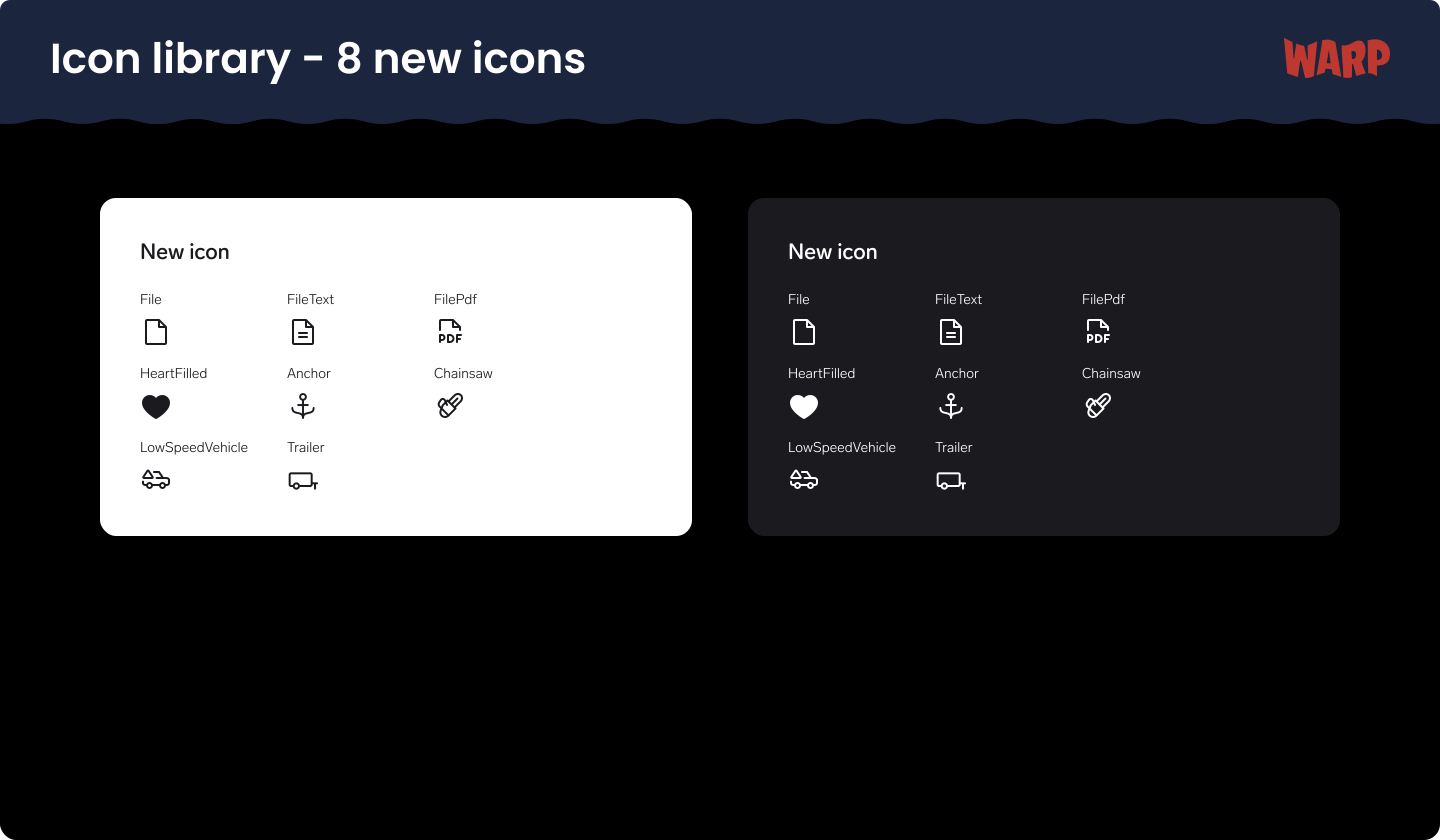
We’ve added a new batch of icons to the Warp icon library that is now available in Figma as well as in code on all platforms. What’s new:
- File
- FileText
- FilePdf
- HeartFilled
- Anchor
- Chainsaw
- LowSpeedVehicle
- Trailer
WARP Snackbar component
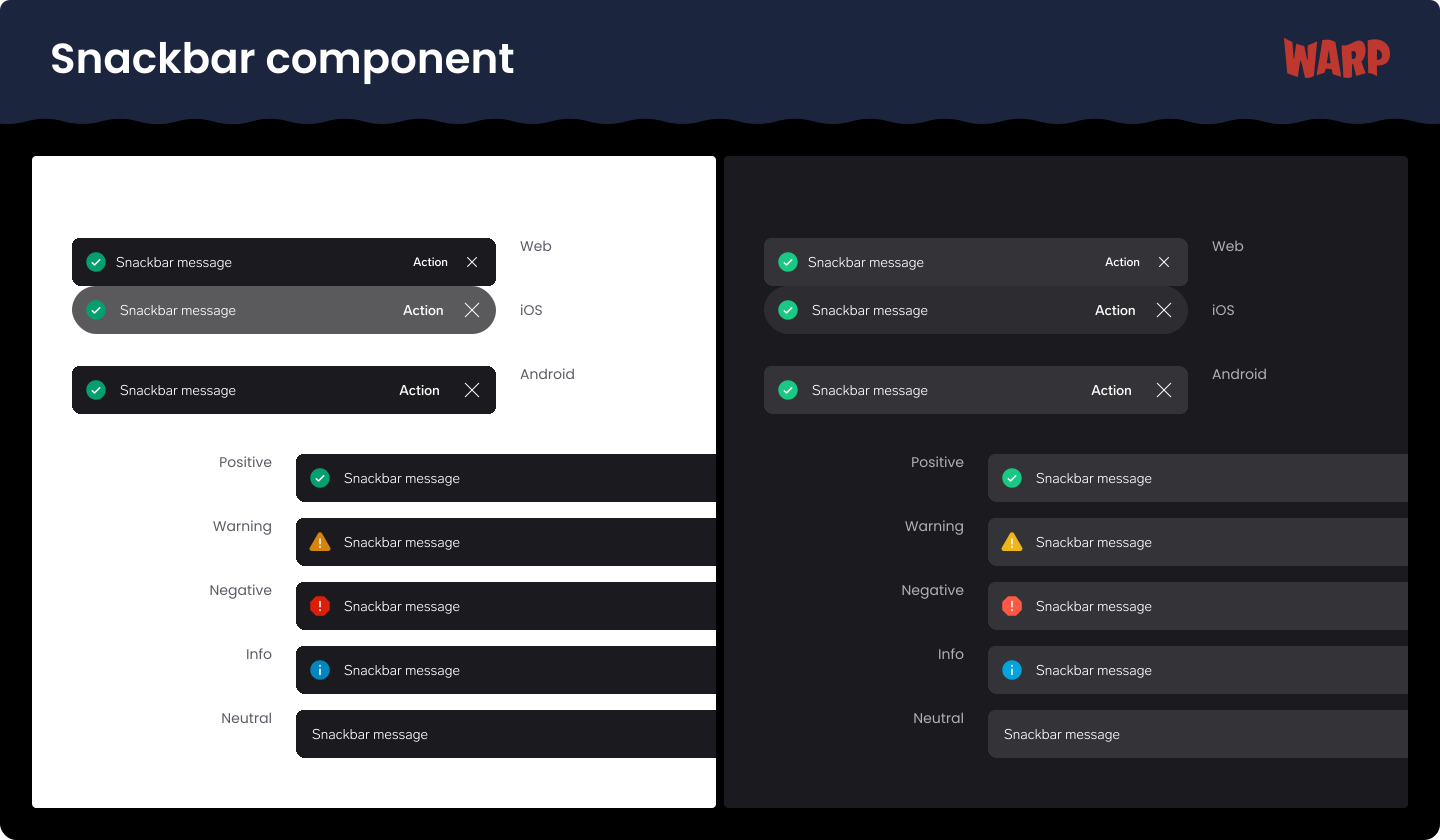
We are happy to announce that our new Snackbar component is officially live and available across all platforms: Web (Elements), iOS, and Android!
What’s changing?
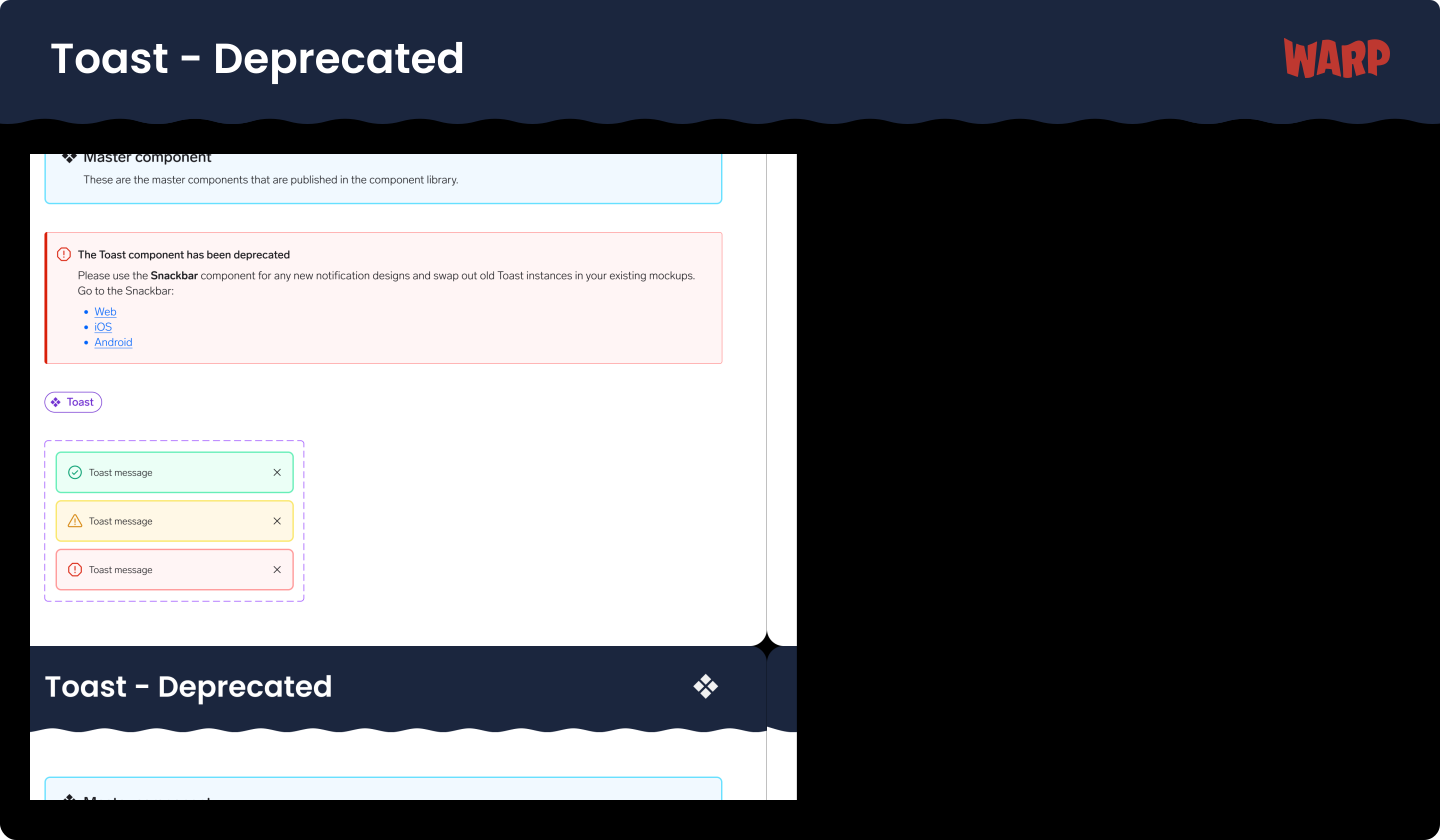
With this update, the Snackbar will completely replace the legacy Toast component across all platforms, so Toast will be deprecated. Our previous Toast design had grown outdated and structurally limited. The new Snackbar inherits all the passive capabilities of the old Toast but introduces a modern, high-contrast visual design that fits seamlessly into native app environments. Most importantly, it unlocks a long-requested feature: interactive action.
Key capabilities & features
The Snackbar is designed to provide immediate feedback on user actions while offering flexible configuration through clear properties (Props):
Actionable layouts: You can now embed a dedicated text button directly inside the message to let users quickly revert a decision, retry a failed process, or navigate to a solution. Dismissible states: Built-in support for an optional close icon (X) so users can clear notifications manually when needed. Semantic statuses: Fully mapped to our design tokens for consistent messaging across Positive, Warning, Negative, Info, and Neutral states. Built-in accessibility: We’ve built platform-specific behaviours to improve the experience, including keyboard shortcuts to interact with the snackbar and improvements (compared to Toast) for screen reader users.
Next steps for product teams
Designers: The updated component is now live in the main Figma libraries. Please use the Snackbar for any new notification designs and begin swapping out old Toast instances in your existing mockups. Developers: Check your platform’s respective library to pull the updated component. The dev documentation is fully updated on the WARP Portal.
If you have any questions, feel free to reach out in slack #warp-design-system.