
Empty states
Empty states are used to fill spaces when no content can be shown to the user, or is temporarily empty due to the nature of the feature.
Empty states are moments in the user experience when we don't have specific info or data to display to the user. They're also an opportunity to guide the user by explaining what to do next, preventing confusion.
Common alternative names
State, no-data state, empty view, zero-data state, no results, first-use state, missing state, loading
Anatomy

Visual (optional): A non-interactive icon or illustration that relates to the situation.
Title: A short and concise explanation.
Description (optional): Explains the situation in more detail and clearly provides guidance on the next action to populate the space.
Primary action (optional): The primary call to action referenced in the description copy above.
Secondary action (optional): If there is a secondary action, such as referencing documentation for further reading or an alternative destination, include it as a less visually emphasised button (Button Quiet).
Tagline (optional): Endorses Vend and helps build brand awareness at key user journey's touch points. See the Vend Endorsement guidelines for more information.
Variants
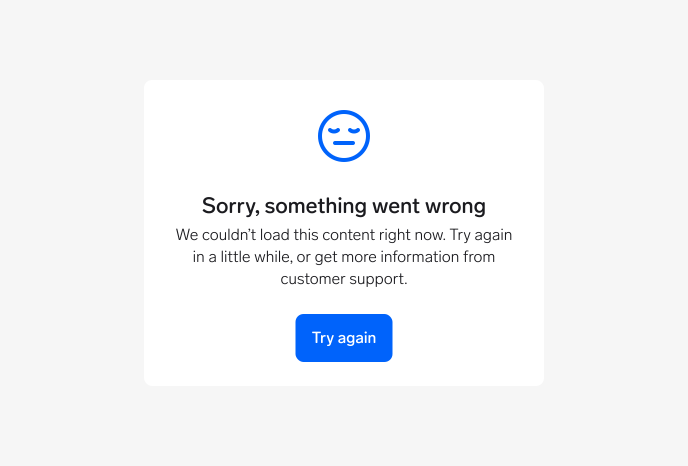
Fail to load (error)
Use when content can't be retrieved or displayed due to a data or API error. Include an option to reload.
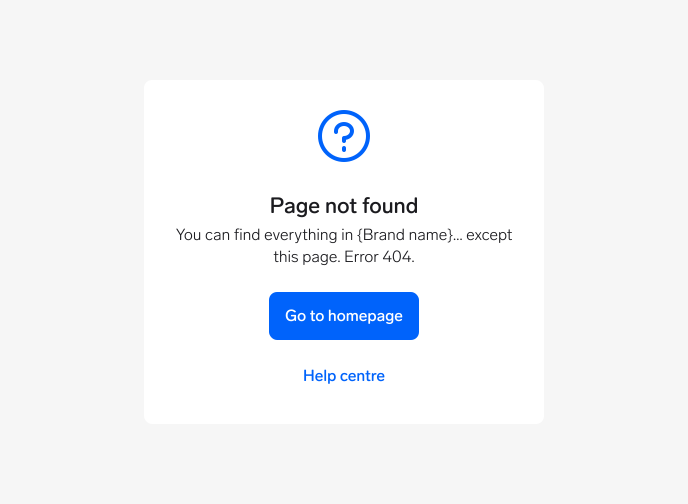
Page not found (error)
Use for 404 pages or when the user tries to access a page that doesn't exist or they don't have permission for. Available in web and Figma only.
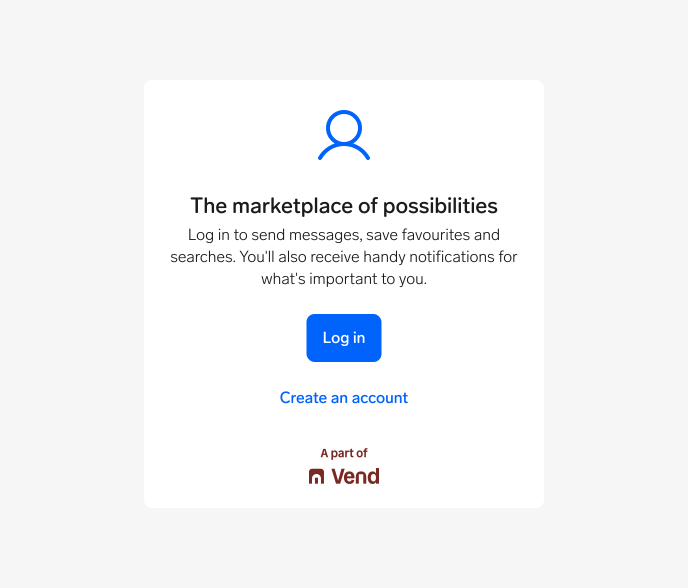
Not logged in (error)
Use when a feature or page requires authentication and the user isn't logged in. Provide clear log-in and sign-up actions.
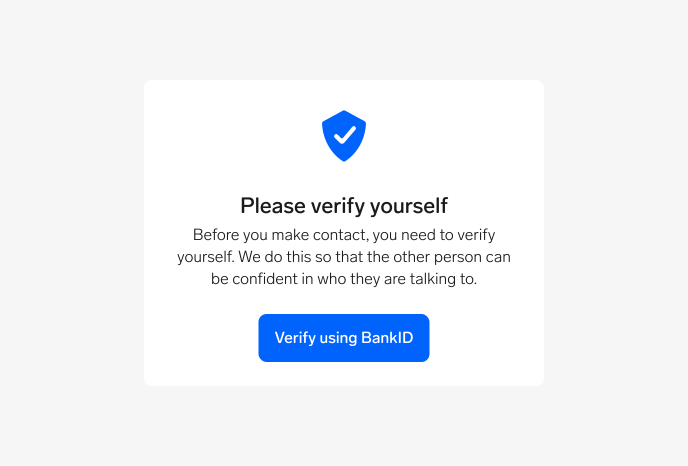
Verify identity (error)
Use when identity verification is required before continuing an action (e.g., contacting a seller). Adapt the content based on the country's identity verification provider.
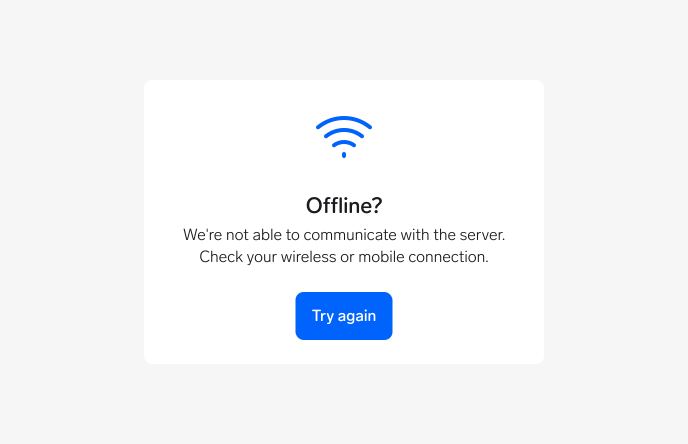
No network connection (error)
Use when the user's internet connection is lost or unstable. Include a retry option.
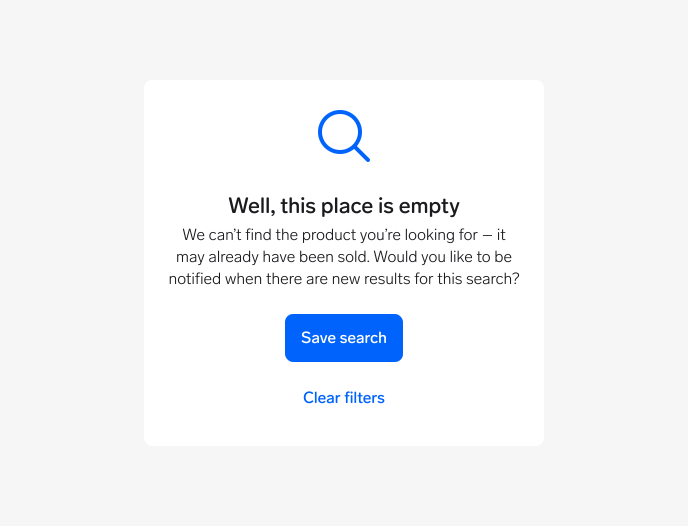
No search results (no data)
Use when no items match the user's search. Let users save the search to get notified about new items or clear filters to try again.
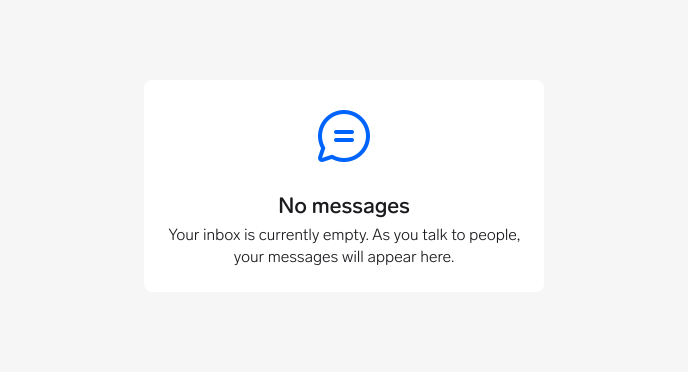
No messages (no data)
Use when the user's inbox is empty and there are no messages to display. Available in Figma only.
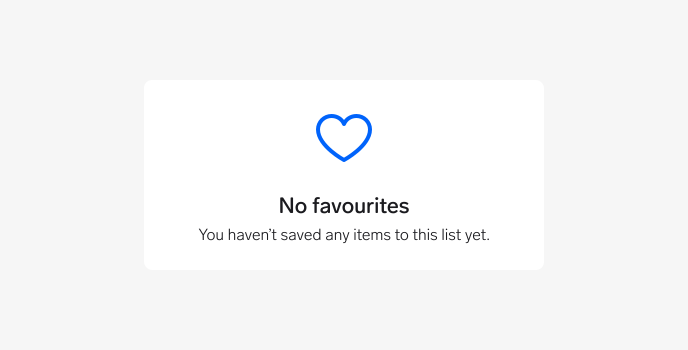
No favourites (no data)
Use when the user hasn't saved any favourite items yet. Available in Figma only.
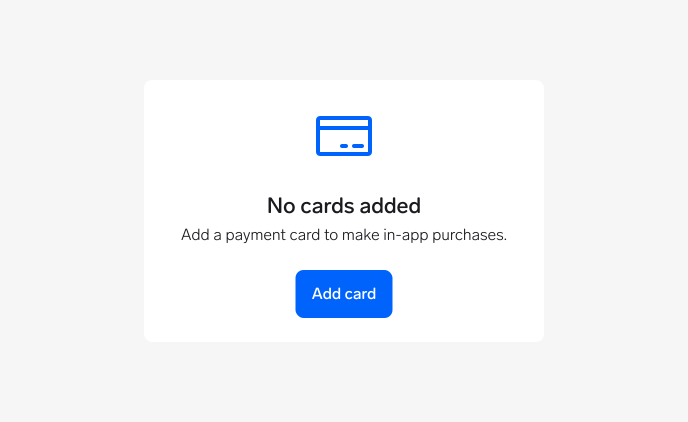
No payment cards (no data)
Use when the user has no payment cards saved to complete a transaction. Available in Figma only.
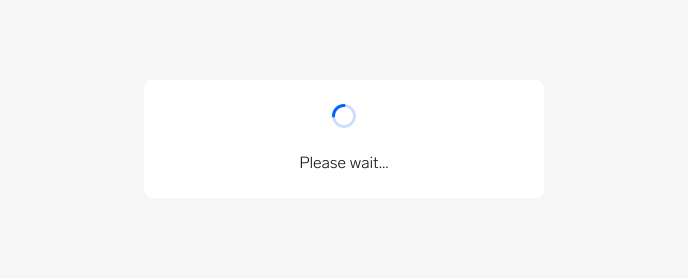
Loading (no data)
Use to indicate that the system is loading data for the screen or section the user is trying to access. You can include a short message, but keep it brief since it's only visible for a few seconds.
Questions?
Feel free to ask any questions on usage in the Warp DS Slack channel: #warp-design-system