
WARP in Figma
Introduction to the WARP Design System workspace.
WARP Design System
These files contain all files and libraries for you to get started with designing for Vend.
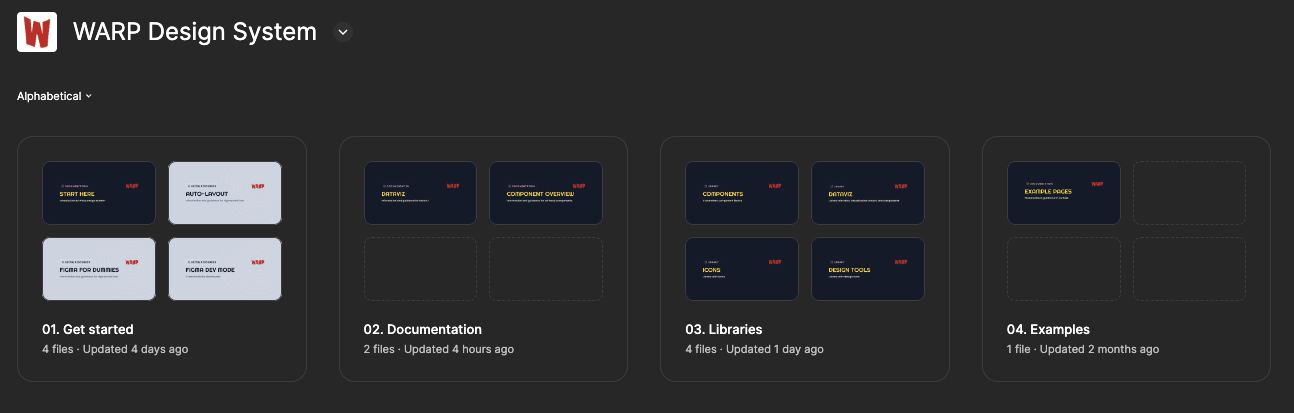
01. Get started
Guidance and onboarding to the WARP design system.
Start here: content here is already migrated to this page. This file will be removed soon.
Auto-layout Guidelines: learning resource for working with auto-layout.
Figma for Dummies: learning resource for using Figma.
Figma Dev Mode: learning resource for Figma's dev mode.
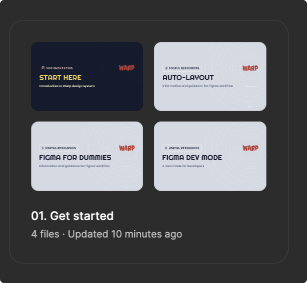
02. Libraries
WARP - Components: contains all tokens and themable components.
WARP - Icons: icon library containing all supported icons.
WARP - DataViz: library with data visualization colours and components.
WARP - Design Tools: standardised design elements that you can use in presentations, mockups, or to help organise things in your Figma files.
03. Examples
- Example pages: generic web/app designs showing brand specific tokens in play. You can use this to understand how tokens are used.
Libraries
To speed up your multi-brand design flow, we've enabled the component and icon library whenever a new file is created within the Vend organisation.
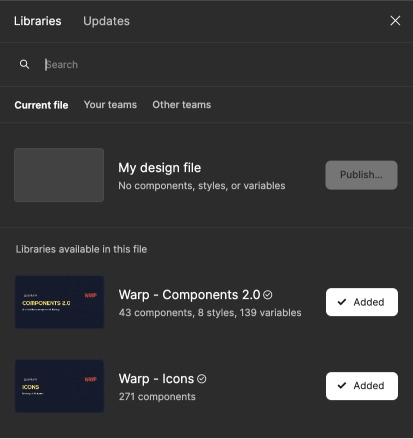
How to add libraries
A quick guide in case you need more libraries.
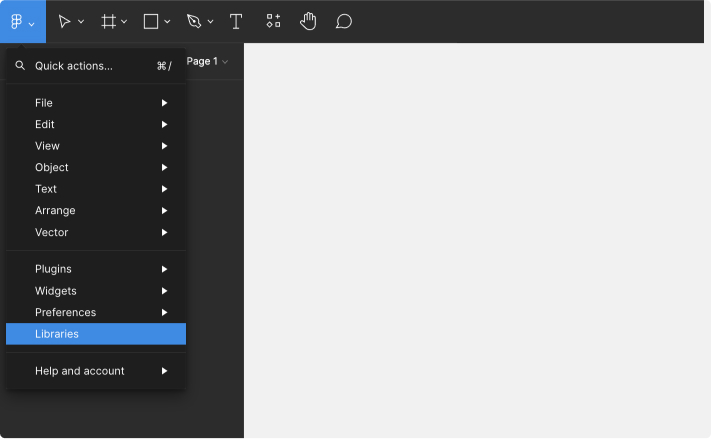
1 Open libraries
Go to your desired design file and open libraries.
Hotkeys
Mac: ⌥option + ⌘command + O
Win: ctrl + alt + O
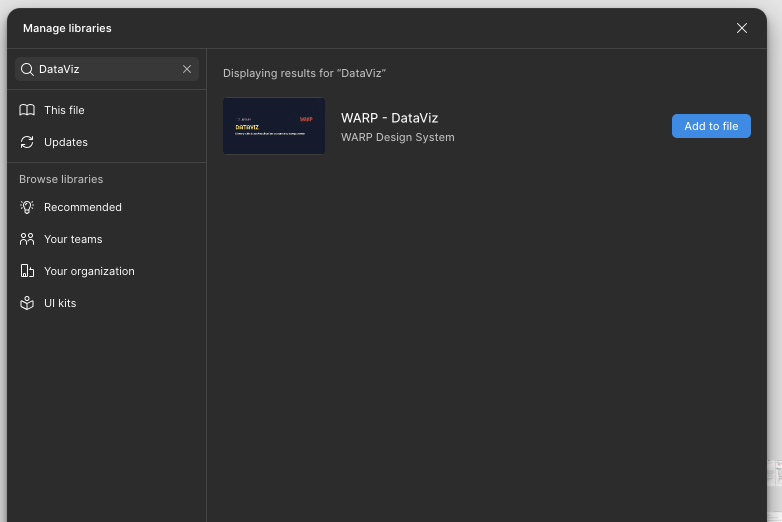
2 Search and enable
Search for the desired library and select "Add to file".
Removing other libraries
You might want to consider disabling other libraries to not accidentally pick any non-WARP components. All WARP libraries are marked with the "Warp"-prefix.