
Designing for multibrand
WARP is built to support multiple themes and your designs should be able to be used for all Vend's marketplace brands. There are certain principles that are important to follow in order for this to work.
Auto layout
Auto layout is a property you add to frames and components. It lets you create designs that grow to fill or shrink to fit, and reflow as their contents change (i.e. if a WARP component gets a size update, then it won't break old design files).
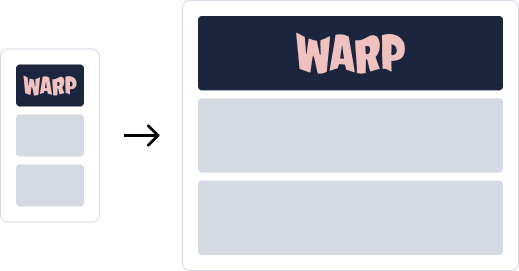
Multibrand
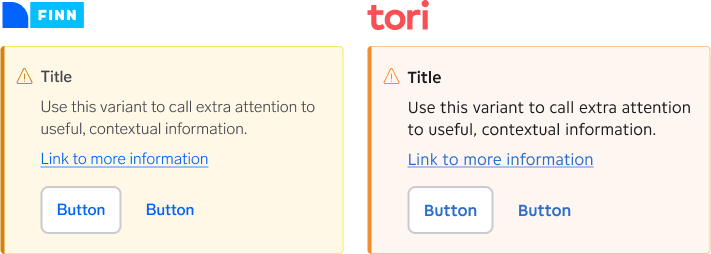
Differences in the brands like typography, spacing and language can cause the components to be different in sizes and if you don't use auto layout your designs might break when switching between brands.
Learn how to use auto layout
If you don't already know how it works, consult with a visual designer in your team and see if they can show you the ropes. Otherwise there are several great resources to get you started:
- WARP Figma: Auto Layout Guidelines
- YouTube: Learn Figma Auto Layout in 10 Minutes (Everything You Need To Know)
- Figma Learn: Using auto layout
Switch brands
When working with multiple brands it's important to know what your designs look like with another brand.
Default component styling
The components in Warp are based on the old FINN design system called Fabric and the default styling of every component is therefore in the style of FINN.
Variables in Figma
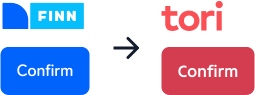
Switching brands will change the tokens for all components which resulting colours, typography, border radiuses and other things to be different for each brand. Luckily this is an easy task with WARP.
Select a WARP component and select change variable mode in Layer settings in the right sidebar.
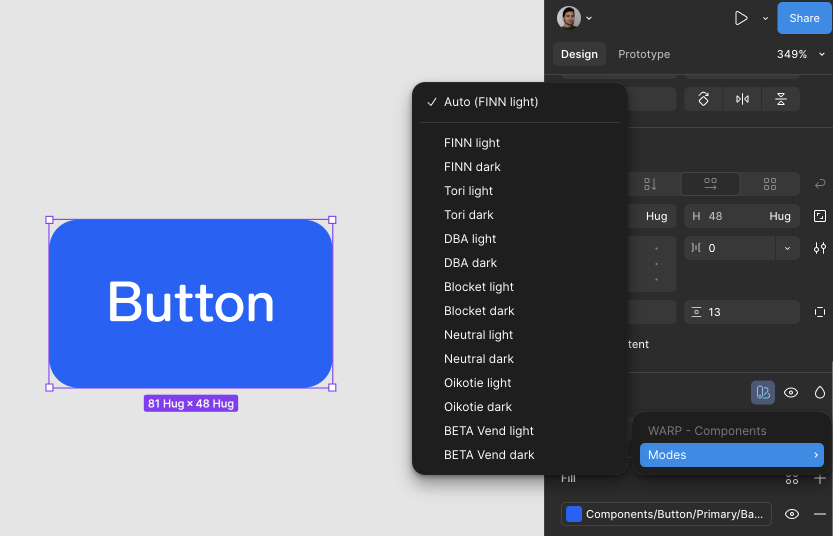
You can also switch modes on entire frames and everything using variables will change.
We generally recommend that you switch modes on entire design frames, instead of single components (as nested component-specific overrides won't automatically change, if you switch modes on it's surrounding frame).
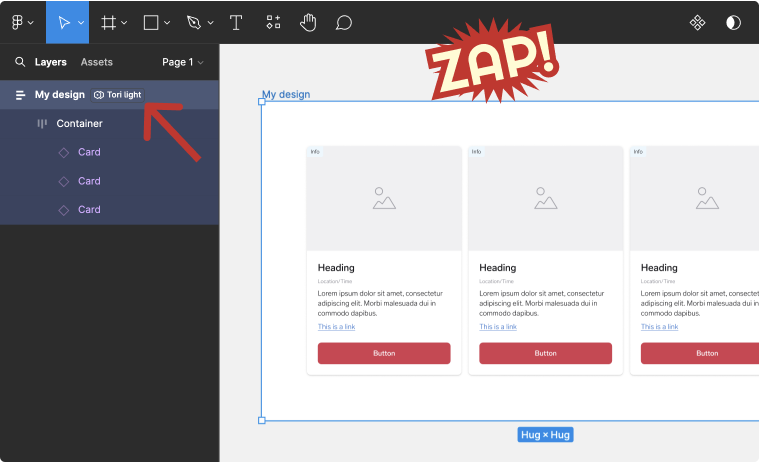
If you notice some components aren't changing inside of the frame you're switching mode on, please make sure all components are set to "Auto (FINN Light)".